 Nickel
Every module, sorted
in one menu.
MINECRAFT BEDROCK CLIENT
ONLINE0
USERS0
DOWNLOADS0
MODULES177
GAME1.26.62.01
NickelEvery module, sorted
in one menu.
MINECRAFT BEDROCK CLIENT
Nickel is a non-vanilla client and still in beta. Some modules change how you move and fight, so server anticheats may flag you and some servers may ban you. Play on servers at your own risk.
Players
0 unique users · peak 0 · average 0 in 24 hours
One sample per minute · local time · counted from the launcher's anonymous ping
Gallery
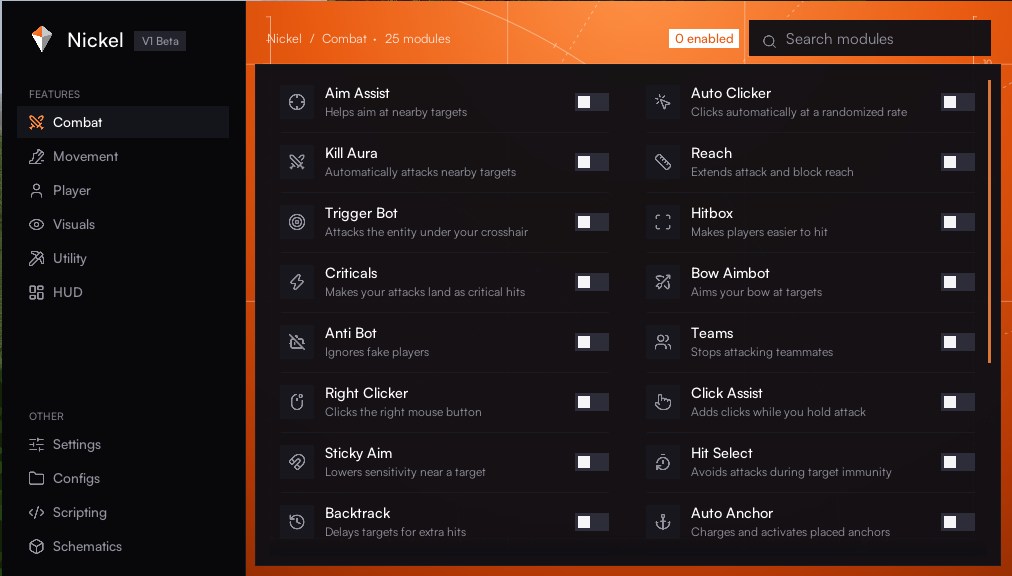
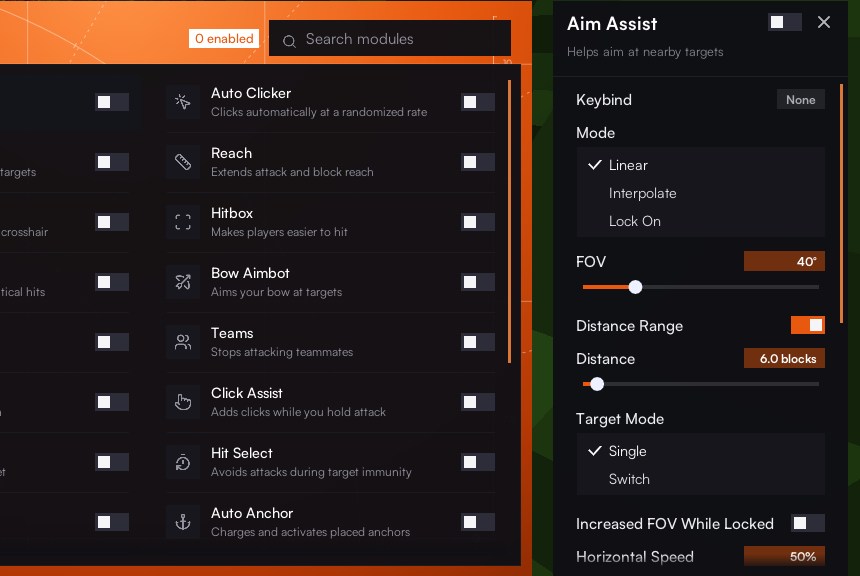
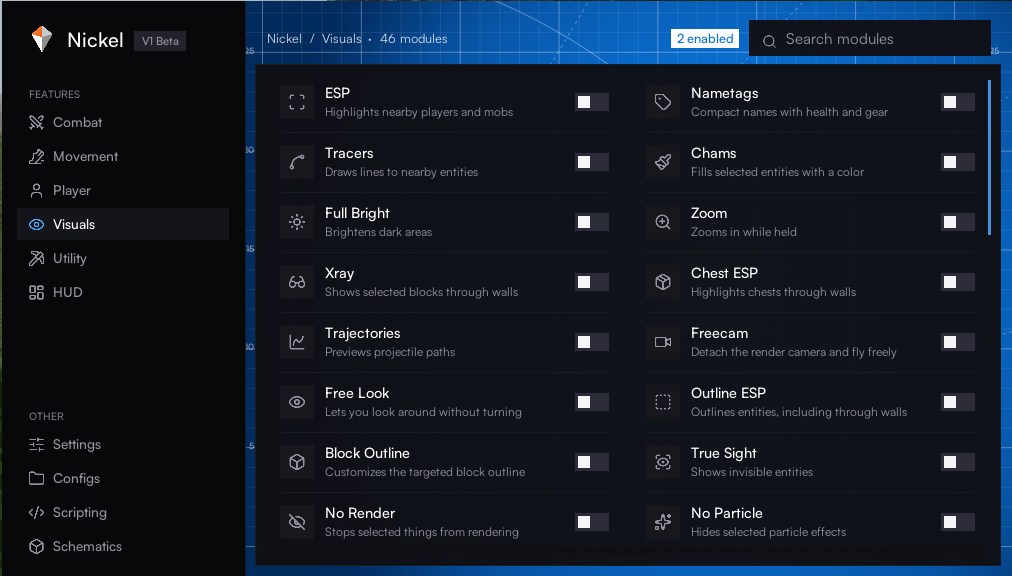
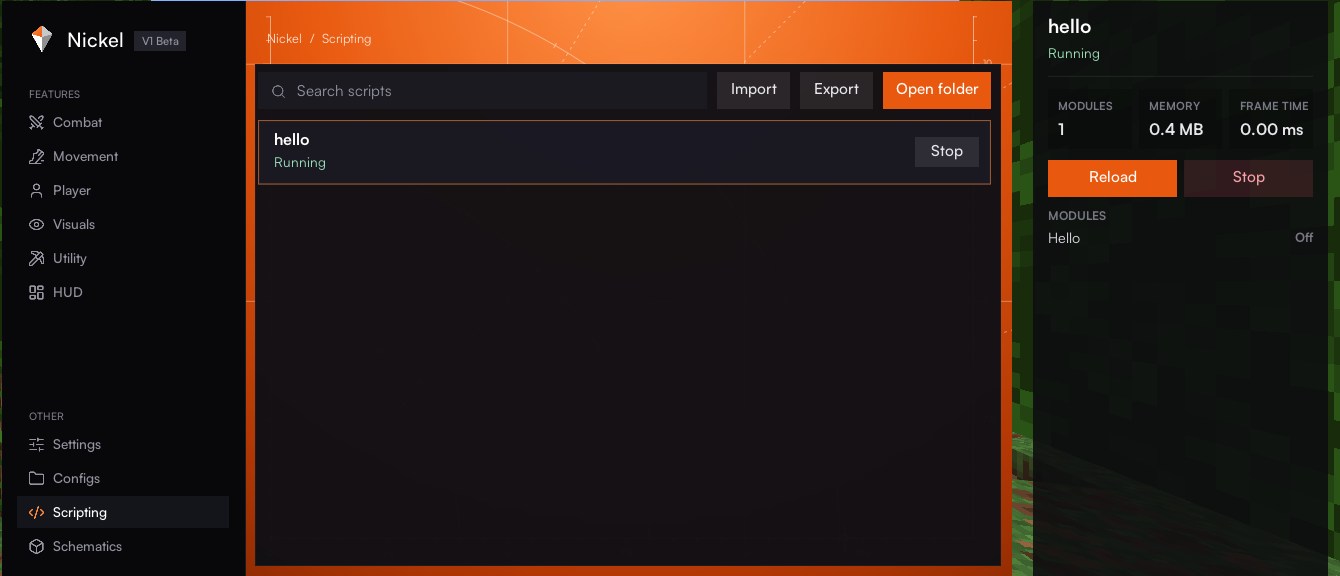
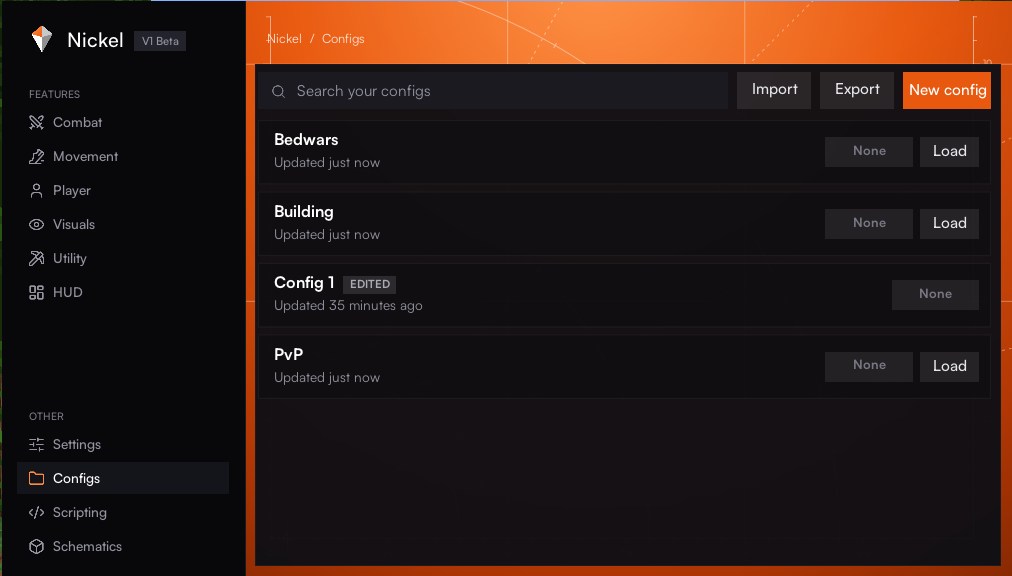
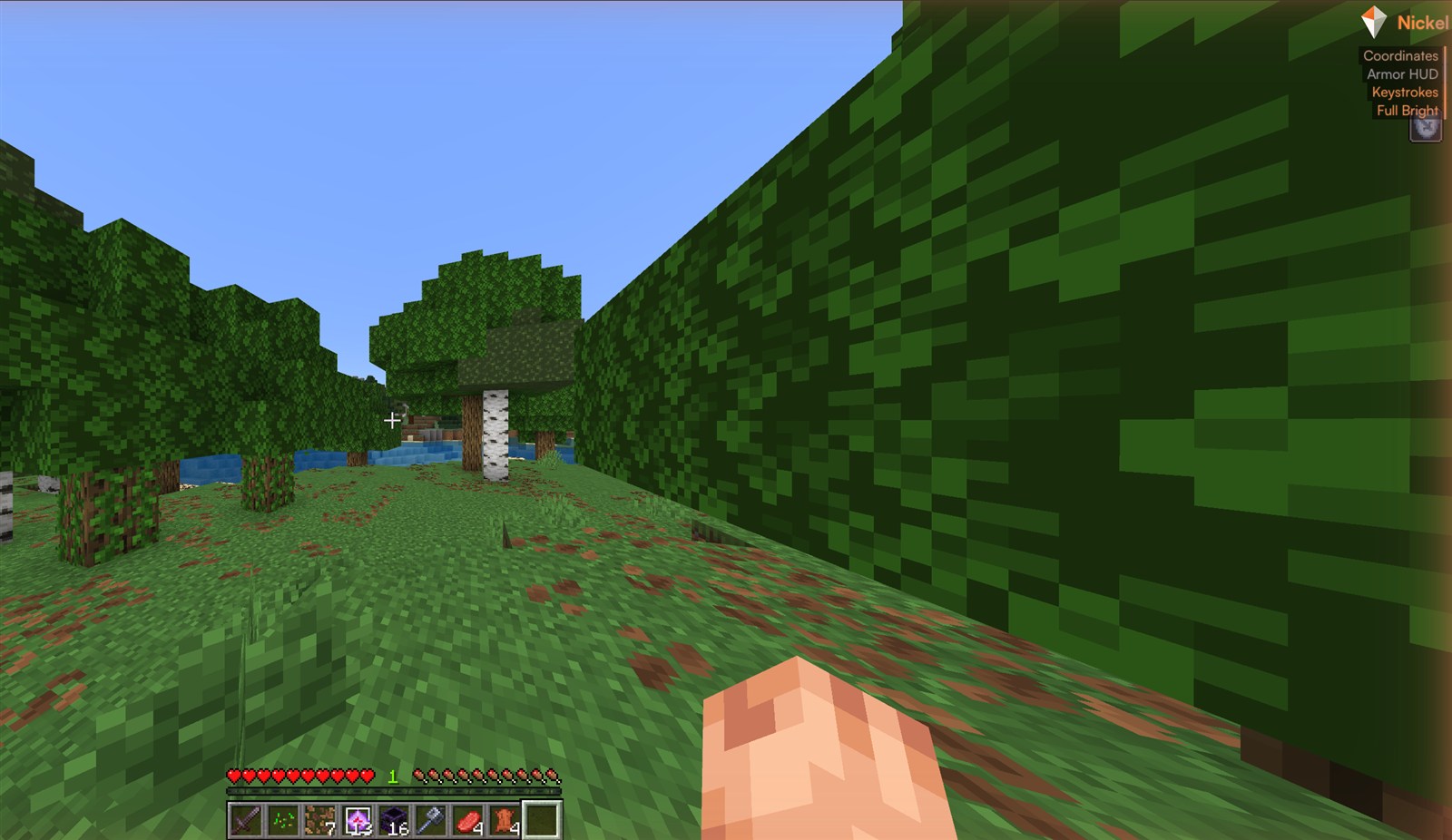
Six themes with an animated background, a search that finds any module, and settings one click away.
Features
Right Shift opens Nickel in game. Every module has its settings, a keybind and a place in your configs.
Combat, Movement, Player, Visuals, Utility and a fully movable HUD.
Detects RakNet or NetherNet servers and switches the modules that need it.
Your own modules, commands and HUD elements, reloaded when you save.
Load .schem and .mcstructure builds, preview them and place them automatically.
Save setups, switch in one click and share them on the community page.
No account, no login. Your settings, scripts and configs stay on your PC.
Get started
One file, Nickel.exe. It updates itself from the latest release.
Nickel targets one game version at a time; the launcher tells you when yours differs.
The menu opens over the game. The documentation covers every module and the scripting API.